Track Internal Inventory Used During Appointments Without Charging the Client
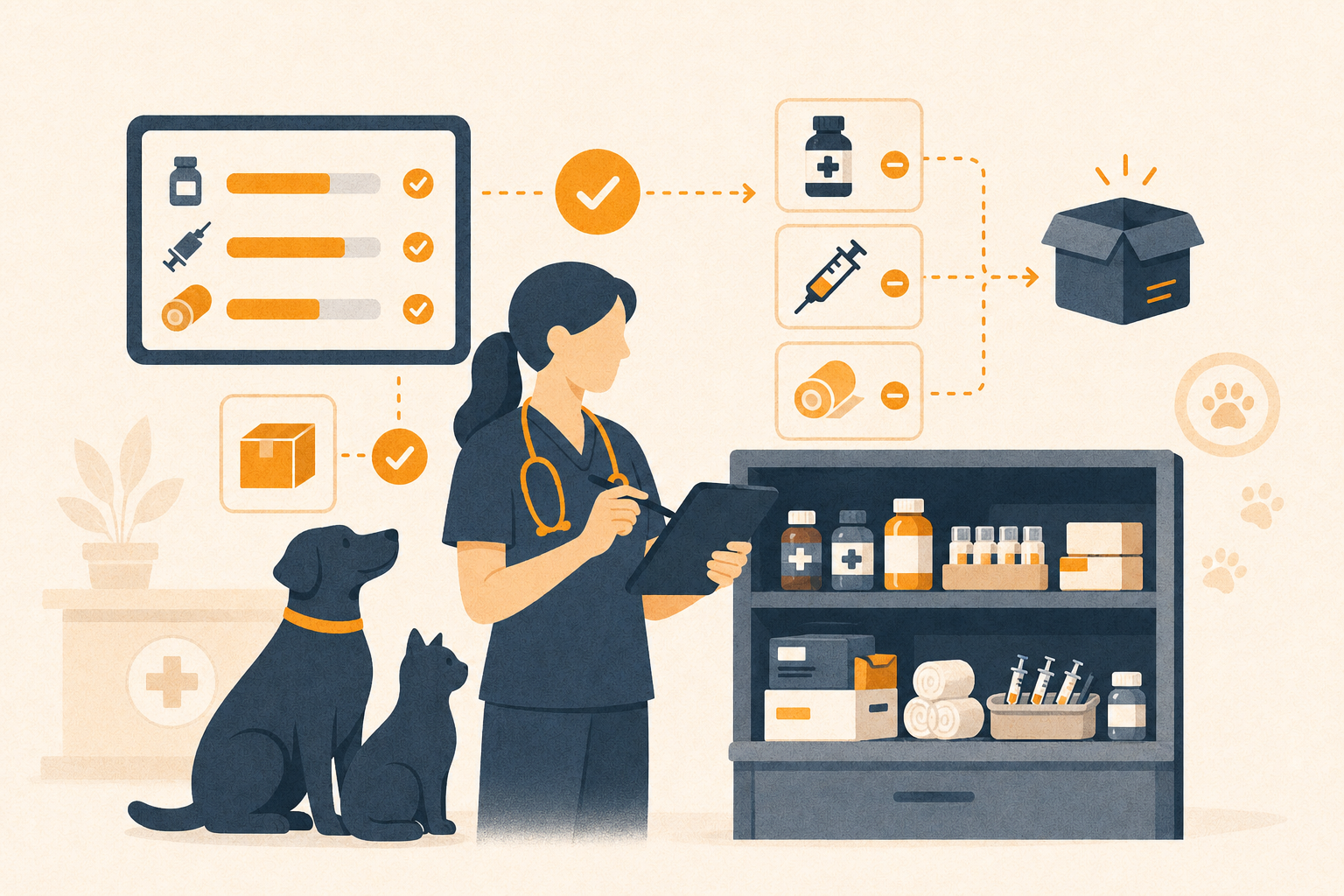
Not every item used in a veterinary appointment should become a client charge. Gauze, gloves, syringes, antiseptic pads, sample materials, or cleaning supplies may be part of care without being sold to the client.
Those items still cost money, leave inventory, and affect what your clinic needs to buy next.
Übik now lets your team add Internal Use inventory directly to an appointment without creating a charge or showing that item on the client receipt.
💡 Inventory Tracking Without Billing Noise
Traditional appointment inventory is usually tied to billing. If a medication, vaccine, or product is dispensed to the client, Übik creates both the dispense record and the charge.
Internal appointment inventory works differently. When an item is marked as Internal Use, Übik records that the clinic used it, connects it to the appointment for audit context, and keeps it out of billing. The visit stays clean for the client while the clinic keeps accurate operational data.
🧭 A Real Clinic Example
Imagine a dog comes in for a laceration recheck. The doctor does not sell the client a roll of gauze, but the team uses gauze, antiseptic pads, and gloves during the visit.
With Übik, the doctor can add those products to the appointment as Internal Use. The receipt still shows only the services and products that should be charged. Behind the scenes, the clinic captures what care actually consumed.
⚙️ Better Purchase Suggestions
Übik’s purchase planning depends on real usage. If the clinic only tracks products that are sold, purchasing recommendations miss part of the picture.
Internal appointment inventory closes that gap. Supplies used in patient care, training, samples, staff use, or clinic operations can all contribute to reorder recommendations. That helps Übik suggest purchases and support automatic purchase orders based on what the clinic truly uses.
🧠 How to Use It
From the appointment items panel, choose Internal Use before adding inventory. Then search or scan the product as usual.
Übik creates the inventory record as internally used for that appointment. If the item requires lot selection, the normal lot workflow still applies.
Switch back to Billable when adding products that should be charged to the client.
🚀 The Bigger Picture
When Übik tracks both COGS items and internally used supplies, your clinic can turn everyday usage into practical recommendations, cleaner purchasing, and more dependable inventory operations.
Schedule a Free Demo or Send Us a Message
We’d love to show you how Internal Use inventory can help automate your clinic’s purchasing workflow.
📞 WhatsApp: 1-612-383-6374
🌐 Website: goubik.com
📧 Email: [email protected]
👉 Or send us a message on Facebook