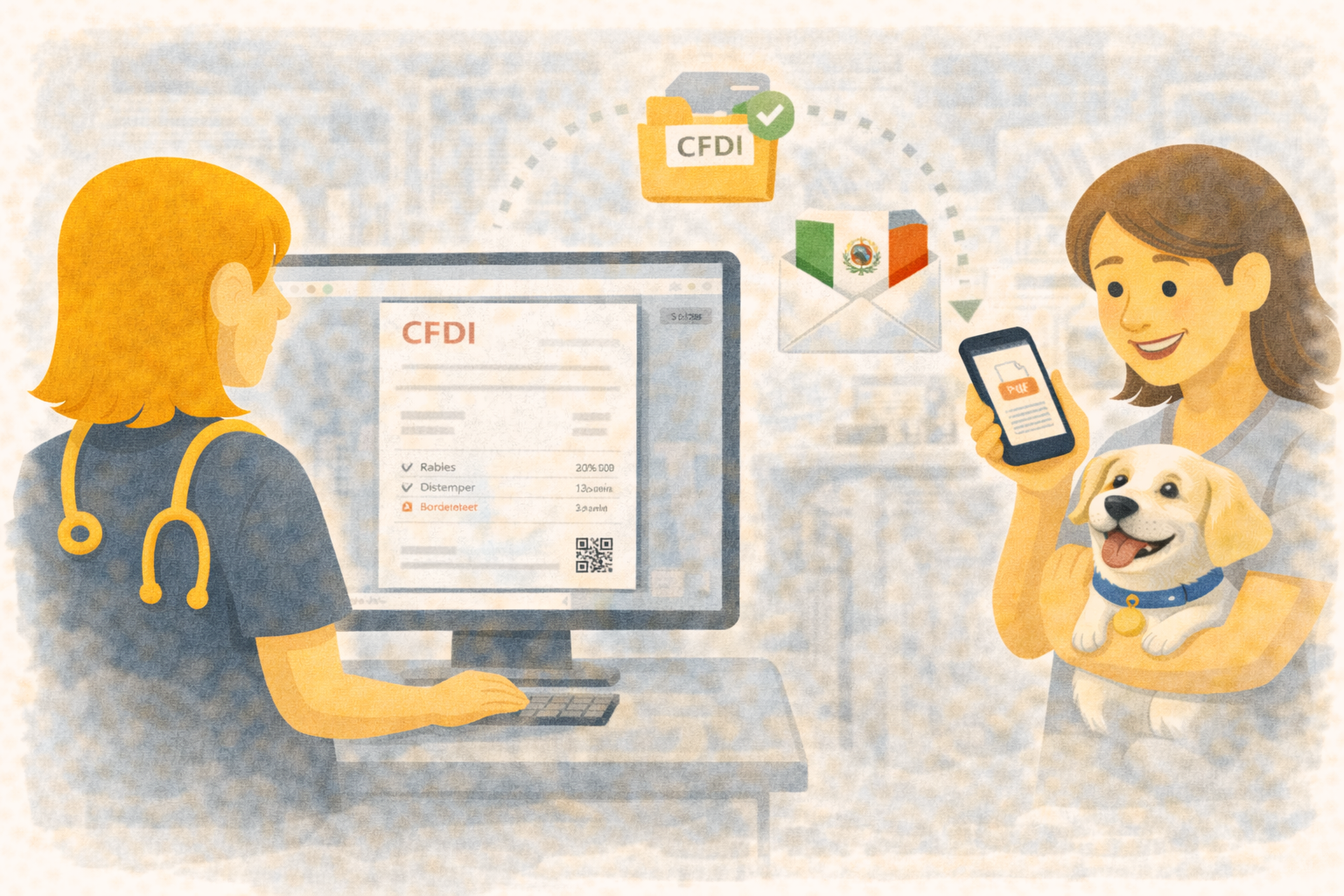
Automate CFDI Issuance from Payment to Invoice in Your Veterinary Clinic
Most clinics do not lose time in surgery or consultation. They lose time at checkout.
The payment is ready, the client asks for CFDI, and someone discovers missing SAT fields.
Now reception pauses the line, asks accounting for help, and invoice delivery gets delayed.
Übik’s new CFDI automation flow solves that operational bottleneck by validating and syncing fiscal data before issuance. Instead of relying on last-minute manual fixes, your clinic works with a repeatable process that your whole team can follow.
💡 Validate First, Charge with Confidence
When the client requests CFDI during payment, Übik runs a pre-check and verifies all required data in three areas:
- Issuer data (account tax profile)
- Recipient data (customer CFDI profile)
- Product/service data (SAT product code, unit, tax object, and taxes)
If a field is missing, your staff sees exactly what to complete.
If everything is already complete, Übik confirms CFDI data and continues payment immediately.
⚙️ Automatic Sync with FiscalAPI for Core Entities
To remove duplicate capture work, Übik keeps fiscal entities synced with FiscalAPI:
- Account as issuer
- Customer profile as recipient
- Inventory and services as products
Your team maintains data in Übik, and the system keeps FiscalAPI IDs updated in the background.
When something fails, sync status and last error details are visible where users already work, so support and correction are faster.
🧩 Practical Example: Busy Afternoon at Reception
A patient visit includes:
- 1 consultation service
- 1 injectable medication from inventory
- 1 laboratory service
At payment, the owner asks for CFDI.
Reception opens the CFDI check and Übik validates issuer, recipient, and product data in one flow.
One item is missing a SAT unit key. The receptionist fixes it once.
Payment is completed, and CFDI processing is queued automatically.
Result: no manual re-entry in another portal, no guessing SAT values, and no extra calls to accounting after the client leaves.
🧭 Why Clinic Owners Care
This is more than a tax feature. It is workflow control for growth:
- Fewer delays at checkout: less back-and-forth when CFDI is requested
- Higher billing consistency: account, customer, and product data follow one standard
- Better team productivity: reception resolves issues with clear, guided fields
- Cleaner month-end close: fewer invoice incidents to investigate
Your team spends less energy fixing preventable billing errors and more energy serving patients.
📊 What to Measure in the First 30 Days
If you want to evaluate impact quickly, track three operational metrics:
-
Checkout delays caused by CFDI issues
Count how many payments are paused for fiscal corrections. This should drop as profiles become complete. -
Invoice corrections after payment
Measure how often accounting must edit issuer, recipient, or product data after checkout. With validation in flow, this should decrease significantly. -
Time from payment to CFDI issuance
Track issuance turnaround for requests made at checkout. A stable queue and synced references should make this more predictable.
These metrics help clinic owners verify that automation is not only convenient, but financially meaningful for team productivity and billing quality.
🧾 What Your Team Stops Doing
Once this flow is active, reception and admin teams stop doing the most frustrating parts of CFDI work:
- Searching old chats to confirm RFC or SAT settings
- Recreating product tax data in multiple systems
- Manually tracking which invoices failed and why
- Repeating the same corrections for each new payment
That reduction in repetitive work is usually where clinics feel the value first. Fewer interruptions in front desk operations means faster lines, calmer staff, and a better final experience for pet owners.
🚀 A Reliable CFDI Process You Can Scale
Manual fiscal workflows break at the worst moments: peak traffic, shift changes, and end-of-month pressure.
Übik’s approach is simple: validate early, sync continuously, and process issuance through a controlled queue.
That gives your clinic a process that works every day, not just when your most experienced staff is on shift.
🛠️ Rollout Plan for a Multi-Doctor Clinic
To adopt this without disrupting operations, use a phased rollout:
-
Week 1: Configure issuer and top 20 products/services
Start with your highest-volume concepts so most checkouts are covered quickly. -
Week 2: Train reception on validation flow
Use real scenarios: new client, missing SAT data, and corrected profile save. -
Week 3: Monitor status and error trends
Review common failures and standardize who resolves each type. -
Week 4: Enable CFDI by default for qualified payments
Once data quality stabilizes, the process becomes routine.
This implementation pattern helps owners avoid a big-bang change and gives teams time to build confidence while keeping the clinic moving.
Schedule a Free Demo or Send Us a Message
We’d love to show you how CFDI automation can streamline your clinic’s daily operations.
📞 WhatsApp: 1-612-383-6374
🌐 Website: goubik.com
📧 Email: [email protected]
👉 Or send us a message on Facebook