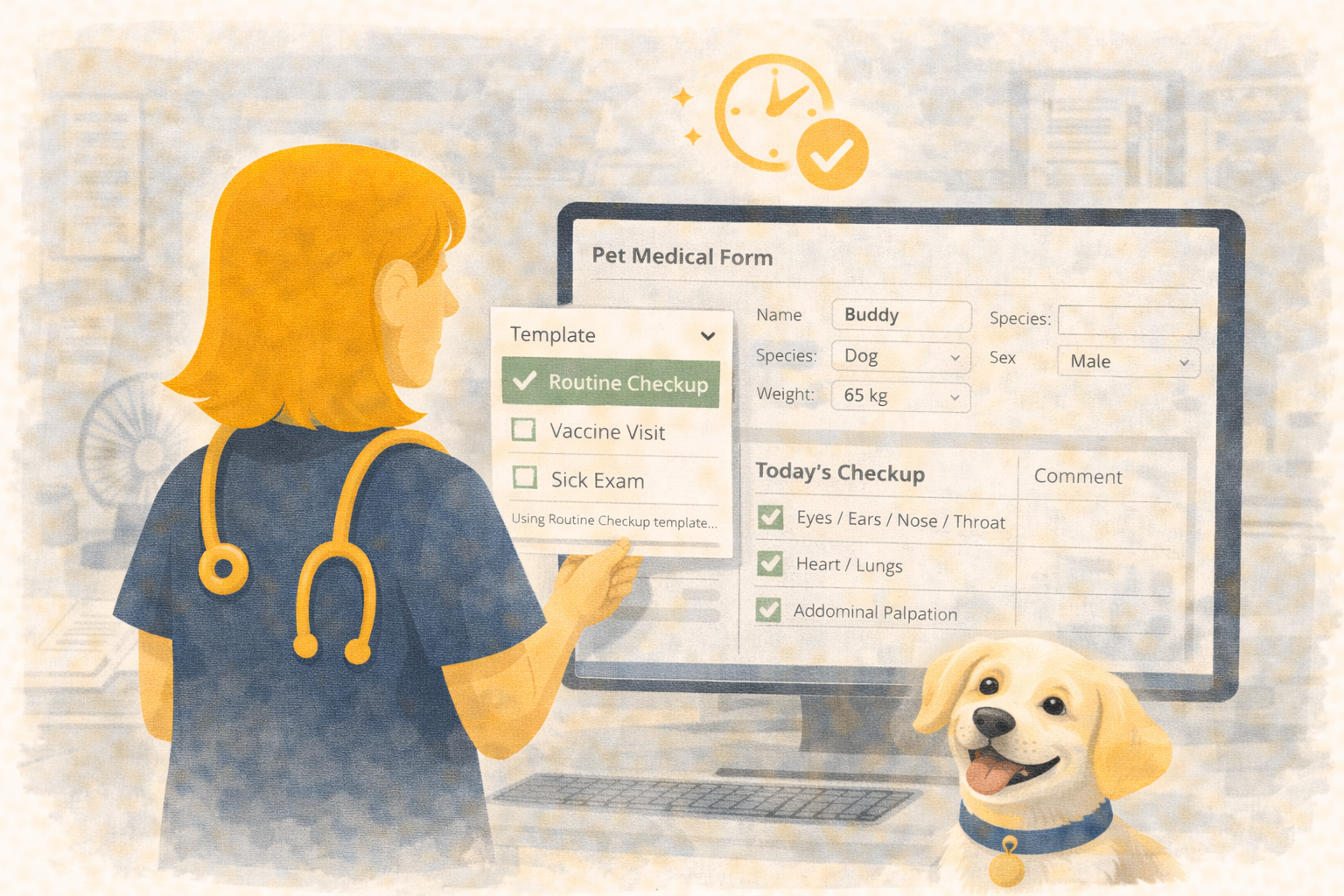
Save and Reuse Hospitalization Setups with Configuration Templates
Every team has a go‑to hospitalization protocol: the analgesia mix you trust, the IV schedule that works, the discharge notes you don’t want to rewrite.
Until now, reproducing that setup meant retyping everything — or risking that something got missed.
Übik’s new Configuration Templates for Hospitalization & Boarding let you capture a complete setup once and reuse it safely, with full control over what gets applied each time.
✨ Snapshot Once, Reuse Anywhere
From any hospitalization or boarding record, click Create Template to snapshot the current configuration:
- Status and appointment type
- Anamnesis and client‑facing notes
- Service instructions (frequency, start/end, quantities, service IDs)
- Product instructions (frequency, method, start/end, quantities, inventory IDs)
Übik stores that snapshot as a named template scoped to the hospitalization or boarding type.
🎯 Apply Only What You Need
When you pick a template, Übik now shows a field picker. Check the items you want to apply and leave the rest behind — perfect for tailoring protocols to each patient.
Need the medication plan but not the notes? Uncheck public notes. Want to keep the boarding status as-is? Exclude it.
When applied, Übik:
- Reuses your text fields (appending to existing notes rather than overwriting).
- Creates fresh service renders and inventory dispenses, then updates the automatically generated hospitalization instructions to match your template’s frequency, method, and quantities.
- Adjusts instruction dates relative to now: start becomes “right now,” and end keeps the original duration delta.
🧪 Example: Post-Op Pain & IV Protocol
-
Save once
- Service instructions: “Pain Management Recheck” every 6 hours, quantity 1.
- Product instructions: Morphine IV q6h for 48 hours; Meloxicam PO q24h for 2 days.
- Notes: Discharge guidance about appetite, stool, and wound checks.
-
Apply later
- Open a new hospitalization, choose the template, and select only “productInstructions” and “serviceInstructions”.
- Übik creates the new renders/dispenses, links them to fresh hospitalization instructions, and shifts the timing to the current admission — no copy-paste, no missed doses.
🔒 Consistency Without Rigidity
- Selective application: Clinicians decide which fields to bring forward.
- No duplicates: Instructions update the system-generated records instead of creating extras.
- Safer timelines: Date offsets ensure schedules start now but keep the intended duration.
- Boarding, too: The same flow works for boarding cases with different care packs.
🧠 How to Use It
- Open any hospitalization or boarding record.
- Click the Template split button → Create Template. Choose the fields to store.
- Later, click the dropdown arrow, select a template, pick the fields to apply, and confirm.
- Review the auto-generated instructions and adjust quantities if needed.
That’s it — the routine work stays consistent, while you keep control over what applies to each patient.
Schedule a Free Demo or Send Us a Message
We’d love to show you how Configuration Templates can streamline your inpatient workflows.
📞 WhatsApp: 1-612-383-6374
🌐 Website: goubik.com
📧 Email: [email protected]
👉 Or send us a message on Facebook