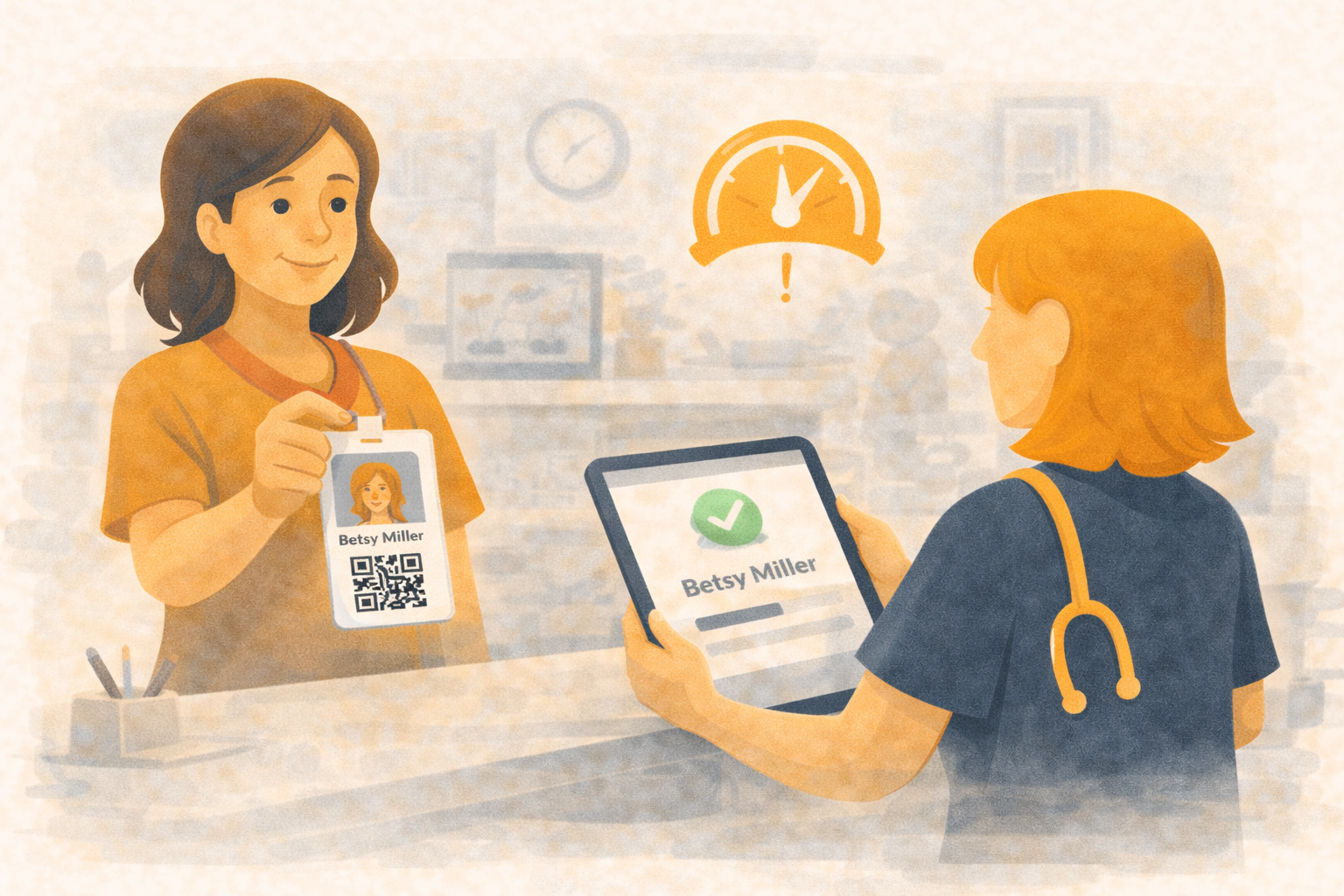
Faster Check-In With Customer QR Badges
Give customers a QR badge and let Übik do the lookup. When the receptionist scans a badge, Übik immediately loads the customer so you can:
- Check in existing appointments without typing phone numbers
- Create walk-in appointments on the spot
- Sell products faster at the counter
The QR can live on a loyalty card you hand out, a sticker, or on the customer’s phone—wherever it’s convenient.
🏷️ How It Works
- You generate QR badges for customers as part of your loyalty program or check-in toolkit.
- At the desk, the receptionist uses a small handheld scanner (the same kind you use for products).
- Customer presents their QR—loyalty card, sticker, or phone.
- Übik reads the customer info in the QR and selects the customer automatically.
No more retyping phone numbers or names when the lobby is full.
⚡ Example: Saving Time at Check-In
- Without QR: Receptionist asks for a phone number, types it into search, confirms spelling, then opens the customer.
- With QR: Customer hands over their badge, a single scan loads the profile, and the appointment is opened in seconds.
Over a morning rush of 15 check-ins, that can save several minutes and reduce errors—especially in busy clinics with similar last names.
📲 Where You’ll Use It
- Kiosk or check-in desk: Customers scan to find and confirm their scheduled appointment.
- Onsite scheduling: Scan and create a new consultation, vaccination, or grooming slot without manual search.
- Retail counter: Attach sales to the right customer for history and rewards.
Get QR Check-Ins Running
Want to enable QR badges for your clinic?
📞 WhatsApp: 1-612-383-6374
🌐 Website: goubik.com
📧 Email: [email protected]
👉 Message us on Facebook