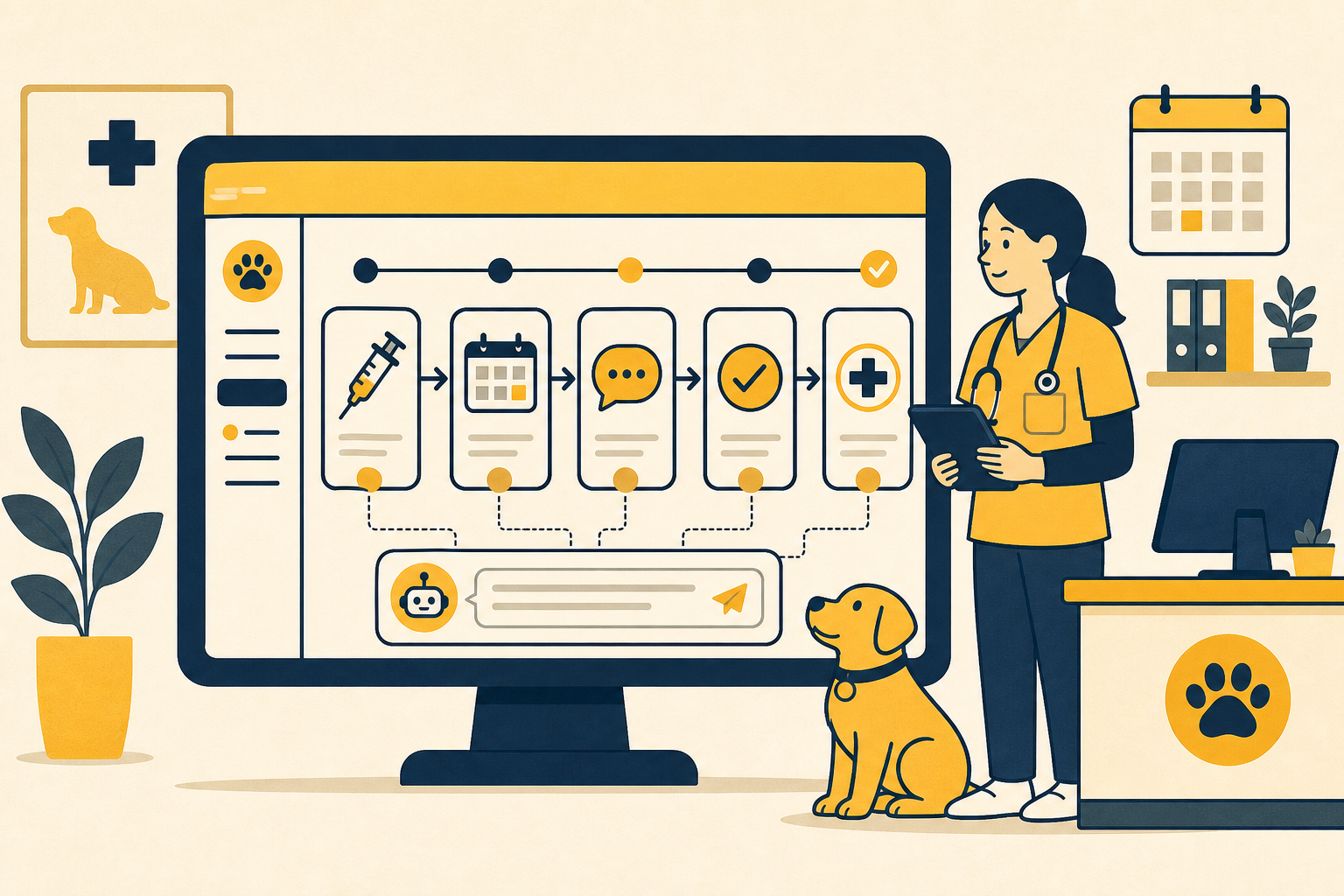
Automate Patient Follow Ups with Appointment Suggestions and Customer Messages
Every clinic has a rhythm for patient care. A vaccine needs a booster. A surgery needs a recheck.
The hard part is making sure the team remembers what should happen next during a busy day.
Übik's new Follow Up Automations turn your clinic's preferred care cadence into practical reminders for your team and, when you choose, customer-facing messages.
Smart Follow Ups Built Around Your Protocols
Follow Up Automations let your clinic define a simple rule:
When this happens, wait this long, then recommend that next appointment.
The trigger can be a service, product, inventory group, appointment type, or Treatment Schedule step. The next action can be a suggested service, product, inventory group, or appointment type. Each stage can show an internal appointment suggestion, send a customer message, or do both.
Example: Puppy Vaccine Cadence
Many clinics follow puppy vaccine protocols where combination vaccines such as DHPP or DAPP are repeated every 3 to 4 weeks until the puppy completes the series.
Some clinics also stage vaccines across visits instead of giving everything at once. In Übik, a clinic could configure:
| Trigger | Timing | Suggested Next Step |
|---|---|---|
| DHPP #1 + Bordetella | 21 days later | DHPP #2 + Leptospirosis #1 |
| DHPP #2 + Leptospirosis #1 | 21 days later | DHPP #3 + Leptospirosis #2 |
| Final puppy vaccine visit | 12 months later | Annual vaccine and Rabies follow up |
After the first visit, Übik can show the next suggested vaccine appointment in the portal rail. If the clinic wants customer outreach, Übik can also send: "It is time to schedule Luna's next vaccine appointment."
Example: Surgery to Recheck Appointment
Follow Ups are also useful for surgical workflows.
After an ovariohysterectomy or castration, your clinic may want every patient to return for an incision check in 10 to 14 days. Instead of relying on memory, configure:
| Trigger | Timing | Suggested Next Step |
|---|---|---|
| Ovariohysterectomy service rendered | 14 days later | Post-surgical recheck appointment |
When surgery is completed, Übik can prompt the team to schedule the recheck before the customer leaves. The customer message can stay off if the clinic wants this to remain internal.
Designed to Work with Treatment Schedules
Treatment Schedules already help Übik understand whether a patient is on track for an ongoing care plan, such as a vaccine series. Follow Up Automations build on that structure by connecting a Follow Up to a Treatment Schedule step while still respecting your preferred timing between appointments.
How to Configure
Follow Ups are managed from the Dashboard:
- Go to Dashboard
- Open Automations
- Click Follow Ups
- Create or edit a Follow Up
- Choose the trigger, timing, next appointment suggestion, and whether to send a customer message
Once saved, Übik starts using the rule in the New Reception and Technician Portals.
The Bigger Picture
Follow Up Automations turn medical preferences into repeatable workflows. Doctors define the pattern, reception sees what should be scheduled, and customers receive messages only when the clinic chooses.
Übik helps your team stay proactive without another spreadsheet, sticky note, or manual reminder list.
Schedule a Free Demo or Send Us a Message
We'd love to show you how Follow Up Automations can help streamline your clinic's workflow.
📞 WhatsApp: 1-612-383-6374 🌐 Website: goubik.com 📧 Email: [email protected] 👉 Or send us a message on Facebook