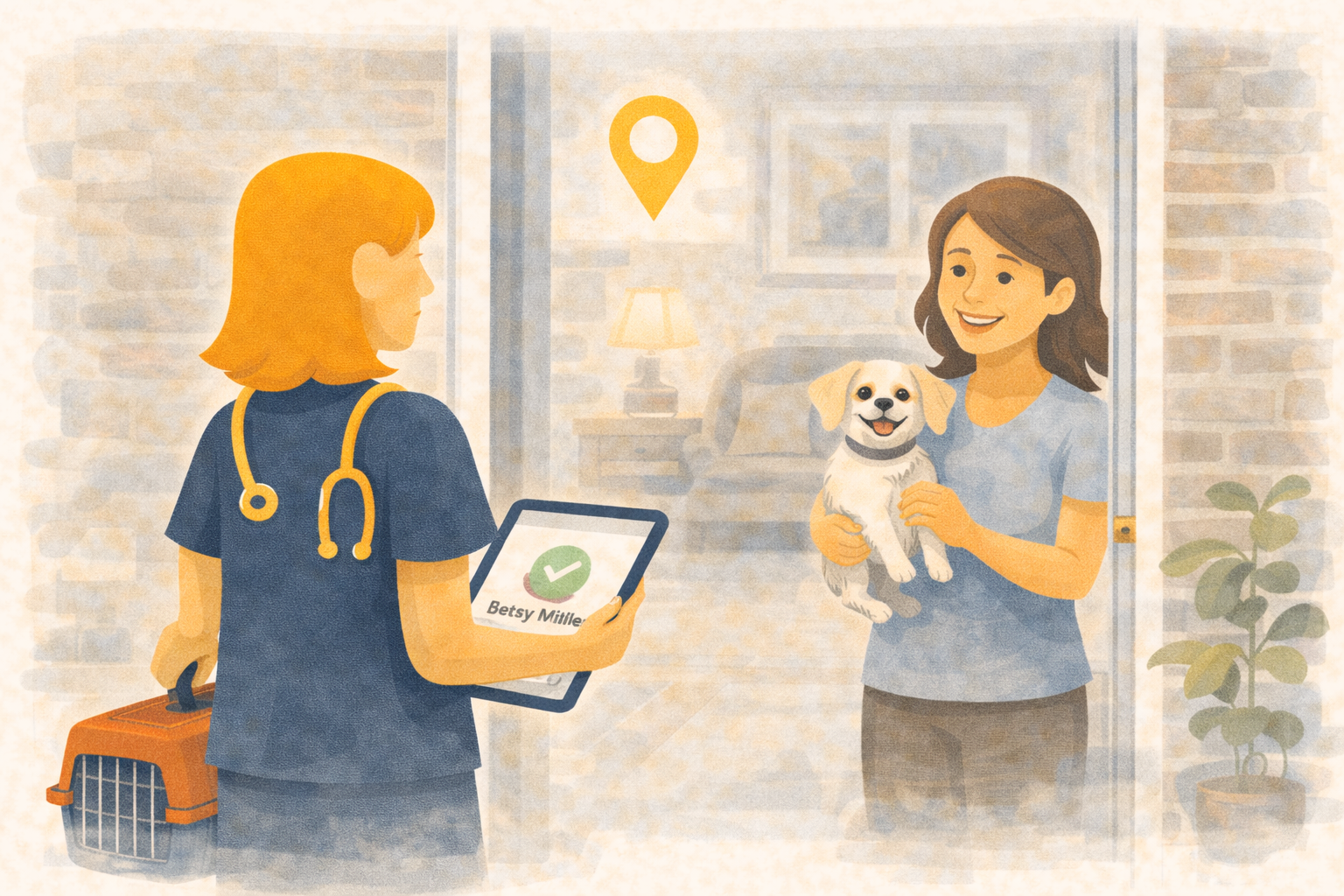
Home Visits With Structure - Addresses, Routing, and Clear Hand-Offs
Home visits are easy to promise and hard to run well. If the address is missing or the team cannot see where they are headed, the schedule slips and the visit feels improvised. Ubik turns home visits into first-class appointments with the same clarity as in-clinic care.
- A simple Home Visit toggle on the appointment
- Address required before you can save
- A map view with pins and one-click Google Maps links
- Reminders and notifications that clearly say it is a home visit
Built on the same appointment flow
Home visits are not a separate system. They live on the appointment you already schedule, with the same status, assigned staff, and specialty fields. That keeps reporting, billing, and communications in one place.
Address-first scheduling
When Home Visit is on, the customer must have an address. If the address is missing, Ubik blocks saving and tells the team exactly what is needed. For online scheduling, clients can add an address during booking when a home visit is selected.
A map view for the day
The Home Visit portal lets you search by client, pet, date range, and status. Results show in a table and on a map with pins for each customer address. From the list, staff can open Google Maps to navigate in one click.
Notifications that remove ambiguity
Scheduled appointment notifications call out that the visit is a home visit and include the customer address. Your team sees the location in every reminder, so there is no last-minute scramble.
Why clinics use it
- Fewer missed or late arrivals
- Clear hand-offs between reception and technicians
- Accurate address data on file
- Faster routes and tighter schedules
See home visits in Ubik
Want a quick walkthrough of home visits and the map view?
📞 WhatsApp: 1-612-383-6374
🌐 Website: goubik.com
📧 Email: [email protected]
👉 Or send us a message on Facebook