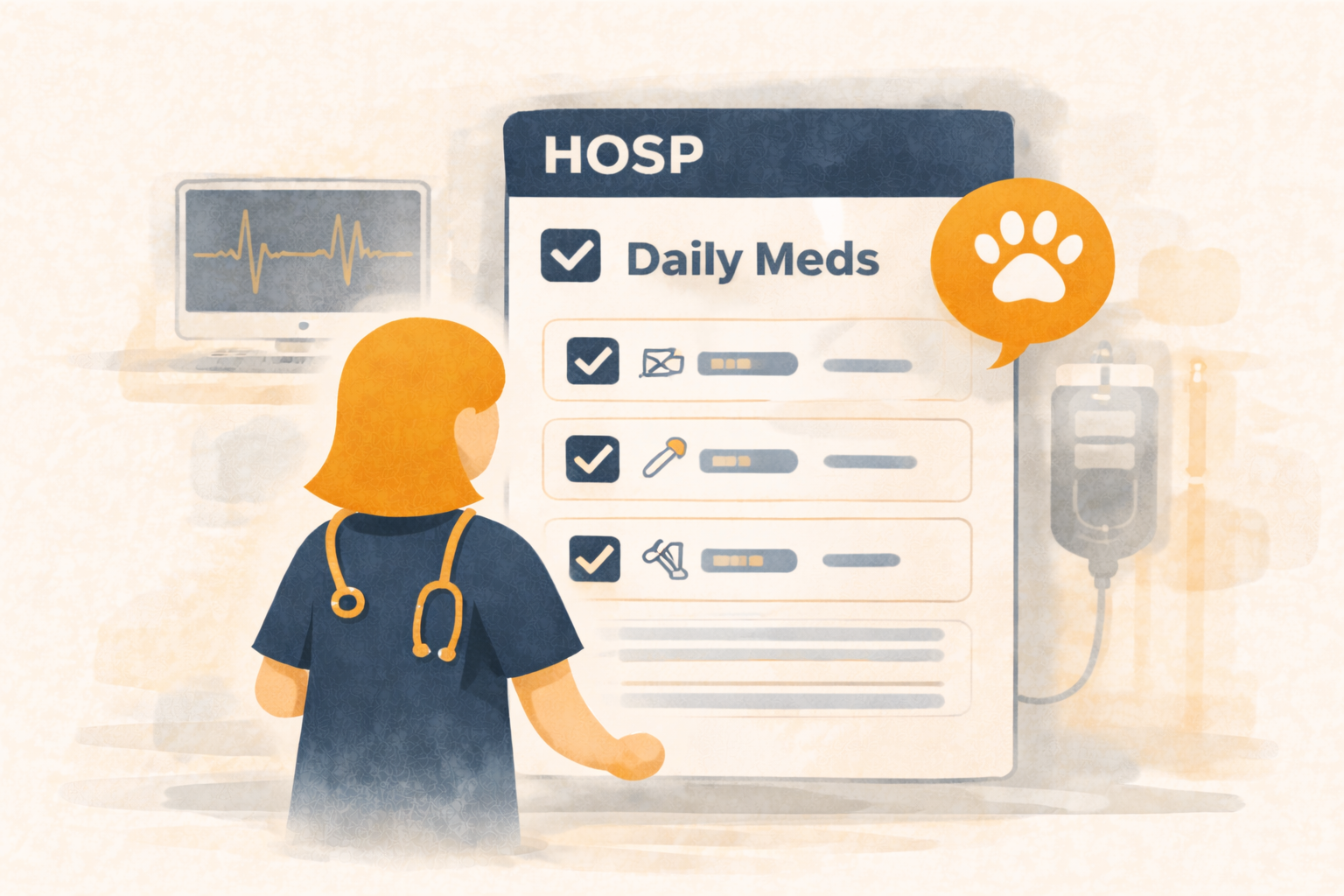
The Hospitalization Portal — Build a Daily Plan, Stay On Schedule, and Prove It Was Done
Hospitalizations are where clinics either shine… or slowly lose control.
Even with great staff, inpatient care is hard:
- multiple meds at different intervals
- fluid plans and method changes
- shifting symptoms and vitals
- shift changes and handoffs
- “Did we give that dose?” moments
- missing documentation when it matters most
Übik’s Hospitalization Portal is built for technicians and doctors to run hospitalizations like a real system:
planned, scheduled, checked off, summarized, and auditable.
🏥 What the Hospitalization Portal Is (And What It Isn’t)
This portal is not for customers.
It’s an internal hospitalization workspace that helps your clinical team:
- Build a hospitalization plan
- Generate a checklist of what must be done
- Track administration with documentation
- Add condition reports (symptoms, notes, vitals)
- Receive a daily email summary of what needs to happen and for which pets
It’s designed for one outcome: better inpatient care through structure.
⚙️ Build a Plan Once, Then Run It All Day
Inside the Hospitalization Portal, a technician can set up a plan with:
- Inventory (medications and supplies)
- Services (monitoring, diagnostics, hospitalization charges, etc.)
- Quantity
- Interval (how often)
- Method (how it should be administered)
From that, Übik generates:
- a clear plan summary
- a practical checklist
- a workflow the doctor can follow quickly
The plan becomes the “source of truth,” so the day doesn’t devolve into memory, sticky notes, and repeated questions.
✅ Checklists That Make Hospitalizations Auditable
Hospitalization errors are rarely dramatic. They’re usually quiet:
- missed doses
- late doses
- duplicated administration
- “we assumed the last shift did it”
- undocumented changes
A plan-driven checklist creates:
- consistent execution
- simple verification
- easier handoffs between shifts
- documentation that’s actually usable later
You don’t just hope it happened — you can see that it happened.
📧 Daily Email Summary (So Nothing Gets Forgotten)
Every day, Übik sends a summary email of:
- what needs to be done
- on which hospitalized patients
- for that day
This helps clinics:
- start the day aligned
- catch misses early
- improve shift handoffs
- keep workload visible instead of hidden
📝 Condition Reports: Symptoms, Notes, Vitals
Hospitalizations aren’t just “give meds.”
You also need to document progress and spot changes early.
Technicians can add condition reports like:
- symptoms (vomiting, appetite, stool, energy, pain)
- notes (clinical observations, behavior, response)
- vitals (temperature, weight, hydration, etc.)
That creates a running clinical picture that supports:
- better decisions
- better continuity between staff
- stronger documentation
🧠 Why Clinics Use It
1) Make sure things get done on time
The checklist reduces “oops” moments.
2) Make care consistent across shifts
The plan remains stable even when staffing changes.
3) Make it easy to track and audit
If you need to review care later, you’re not relying on someone’s memory.
4) Create more opportunities to document progress
Instead of one rushed note at discharge, you get a structured record over time.
🧪 Detailed Example: Parvo Hospitalization
A puppy is admitted with suspected parvo:
- vomiting
- diarrhea
- dehydration
- poor appetite
- lethargy
This is exactly the kind of case where structure matters, because care is frequent and the patient can change fast.
Step 1: Start a hospitalization workflow
You create a hospitalization appointment and open the Hospitalization Portal.
Step 2: The technician builds the plan
The technician selects the inventory and services involved in the parvo protocol.
Examples (your clinic’s exact protocol will vary):
- Fluid-related items (inventory) with method and interval
- Antiemetic group (inventory) with interval
- Antibiotic group (inventory) with interval
- Monitoring services (services)
- Diagnostics (services), if needed
For each, they set:
- quantity
- interval
- method
The point isn’t forcing a protocol — it’s giving the clinic a reliable plan to follow.
Step 3: Übik generates the plan summary + checklist
Now the doctor/tech can administer care throughout the day from the checklist:
- what needs to be done
- when it should happen
- for which patient
This reduces missed doses and prevents duplicates, especially during shift changes.
Step 4: Condition reports throughout the day
The technician adds condition reports as the patient progresses:
- symptoms improving or worsening
- vitals or weight changes
- notes about appetite, stool, hydration, energy
Now the hospitalization has a clear story:
- what was planned
- what was administered
- how the patient responded
Step 5: Daily email summary keeps the team aligned
The team receives the daily email summary showing:
- which hospitalized pets need care today
- what tasks are planned for each one
The day begins with clarity instead of confusion.
💳 Billing Stays Normal (Because It’s Still an Appointment)
Hospitalizations are handled as a specific appointment type and workflow.
That means your clinic’s billing process stays familiar:
- charges and inventory are part of the chart
- checkout happens the normal way
- you don’t need a separate billing system
The portal is for planning and administration, not a separate customer payment portal.
🚀 The Bigger Picture
The Hospitalization Portal is built for clinics that want inpatient care to be:
- done on time
- done correctly
- documented consistently
- easy to review later
That’s how you improve outcomes and reduce mistakes without adding stress.
Schedule a Free Demo or Send Us a Message
We’d love to show you the Hospitalization Portal and how it helps your team plan, administer, track, and audit inpatient care.
📞 WhatsApp: 1-612-383-6374
🌐 Website: goubik.com
📧 Email: [email protected]
👉 Or send us a message on Facebook