Why this matters
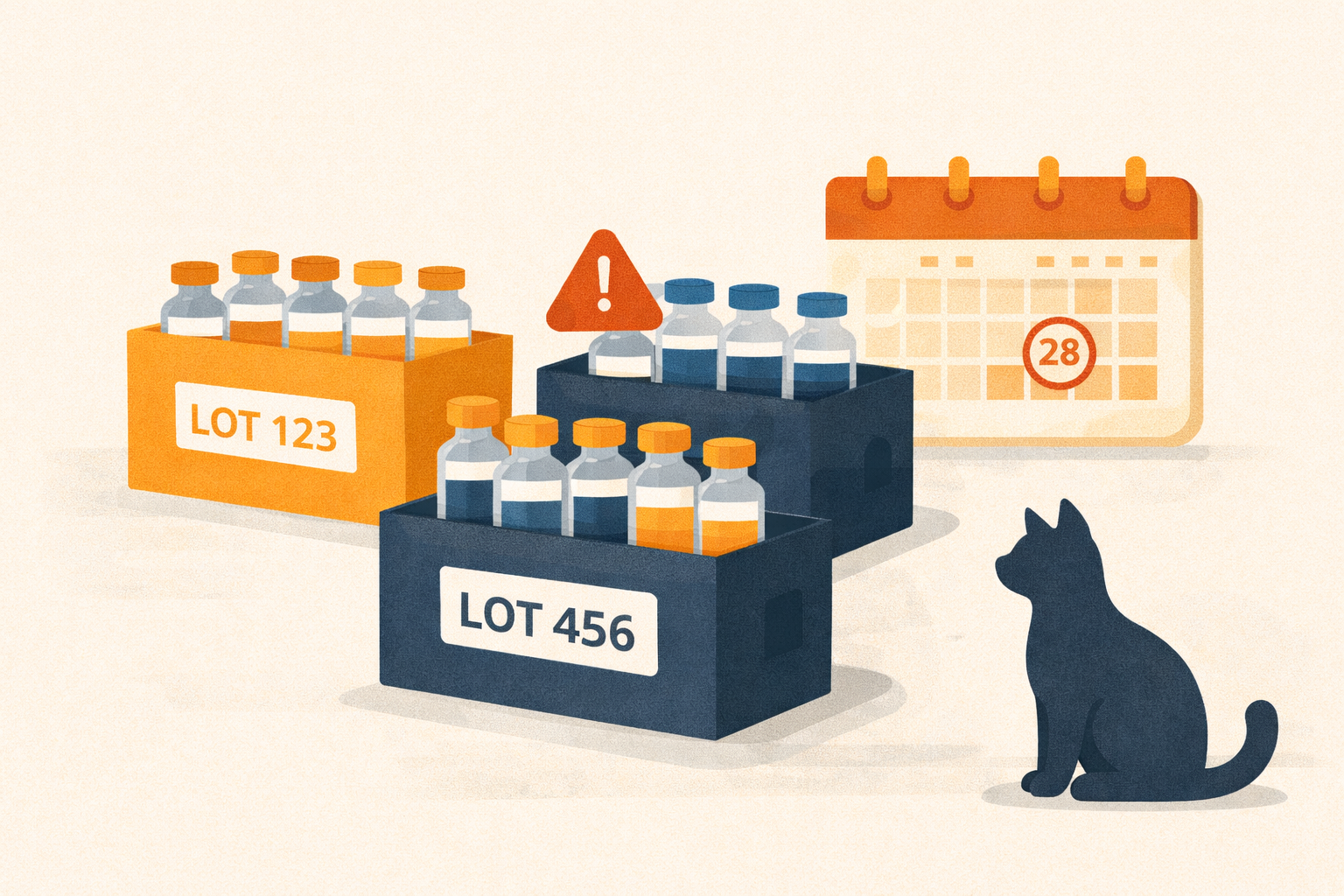
Expired medicine is money lost and patients unserved. With Übik you can turn on lot tracking once, keep selling as usual, and get a nightly heads-up for any lot expiring in the next 30 days. No extra spreadsheets, no manual checks.
What’s new
- Optional lot tracking per item: Flip on “Lot tracking” in the inventory edit screen when you care about batch/expiry.
- FIFO without friction: You keep selling normally; Übik allocates dispenses oldest-first in the nightly run.
- Nightly expiry alerts: Each night we email a section listing lots that will expire within 30 days.
- Simple audits: See tracked lots and UNTRACKED balance in the Lot Audit panel and adjust tracked lots if reality differs; UNTRACKED reconciles automatically.
A simple example
You have Vaccine A with two lots:
- Lot 10A: 5 units, expires Apr 2
- Lot 10B: 5 units, expires May 10
- UNTRACKED: 25 units
You sell 2 units today. You do nothing special—just dispense. At night, Übik subtracts 2 from the earliest lot (10A). Tomorrow your Lot Audit shows 10A: 3, 10B: 5, UNTRACKED: 25, and your daily email stays quiet. If 10A was expiring within 30 days, it would be listed in your nightly notification.
How to set it up (once)
- Open an inventory item and toggle Lot tracking on. Übik creates an UNTRACKED lot automatically.
- When you add stock (expense or manual add), enter Lot number and Expires at in the pop-up. If you skip the lot number, it goes to UNTRACKED.
- Keep selling as usual. No lot selection at checkout.
- Nightly, Übik:
- Allocates yesterday’s dispenses FIFO by expiry (nulls last).
- Updates lot balances and reconciles UNTRACKED.
- Emails you lots that will expire in the next 30 days (default horizon).
- Review anytime in Lot Audit: edit tracked lot quantities if needed; UNTRACKED adjusts automatically.
Receiving lots is simple
When you buy more vaccine or medicine and enter the expense in Übik, you’ll see a quick pop-up asking for the lot number and expiration date. It takes a couple seconds, and if you leave the lot blank it goes to UNTRACKED. That’s it—lot tracking stays in sync with your purchases.
How FIFO works here
FIFO (first in, first out) means the oldest expiring lots are consumed first. You don’t pick lots at checkout; Übik’s nightly process looks at yesterday’s dispenses, sorts lots by soonest expiry (nulls last), and subtracts from those lots in order. If tracked lots don’t cover the sale, we draw from UNTRACKED and reconcile totals automatically.
Benefits for your clinic
- Less waste: Sell oldest-first automatically.
- Fewer surprises: Nightly email shows what will expire soon.
- Simple compliance: Clear records of what was received, consumed, and what remains.
- Low effort: One toggle, one popup on receiving—no change to your sales flow.
Try it this week
Pick one high-value medicine, enable Lot tracking, receive the next shipment with lot + expiry, and watch the nightly email. You’ll know what’s expiring—before it hits the trash.
📞 WhatsApp: 1-612-383-6374
🌐 Website: goubik.com
📧 Email: [email protected]
👉 Or send us a message on Facebook