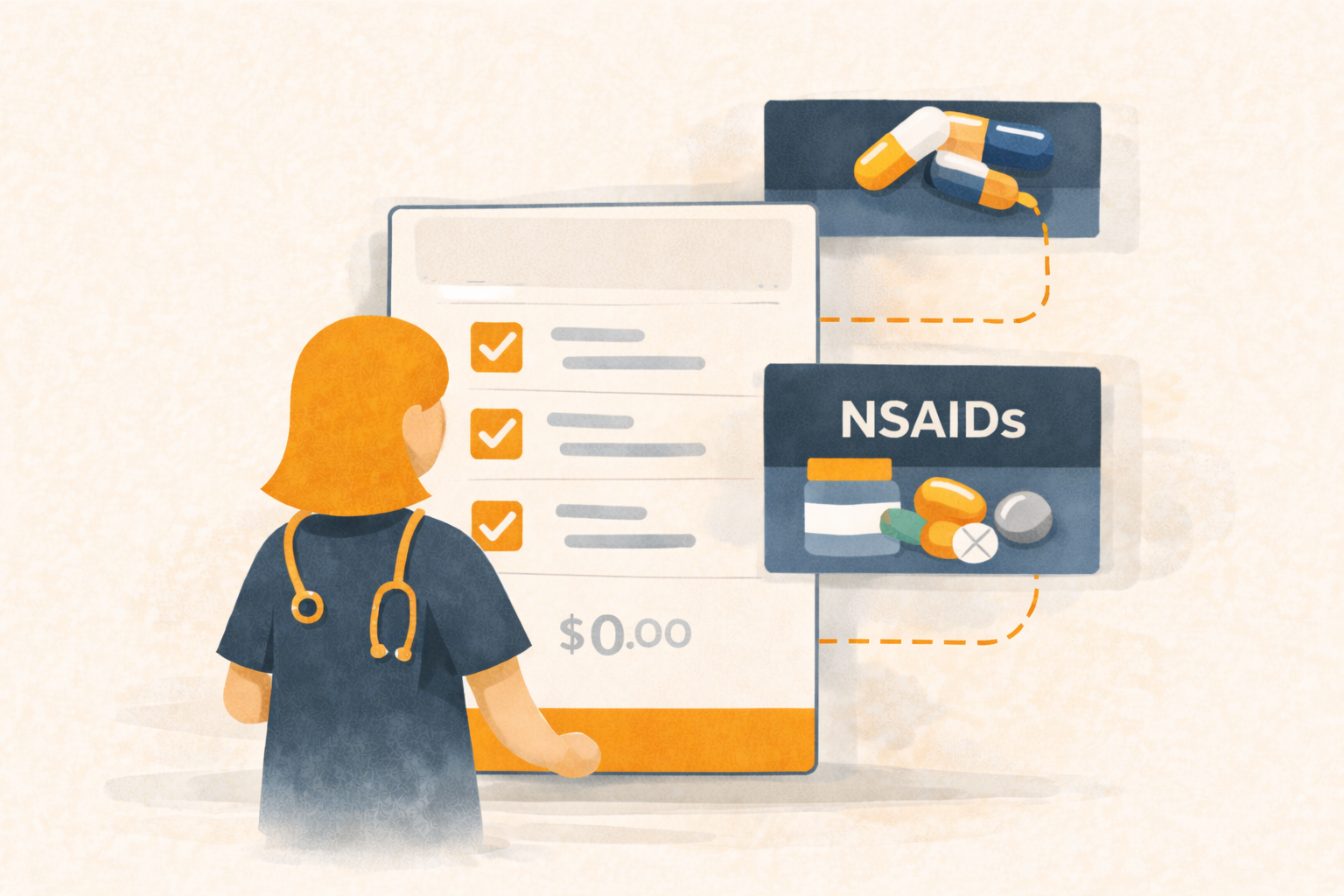
Super Services, Super Diagnoses — Standardize Procedures with Linked Services and Inventory Groups
In a busy clinic, the problem isn’t “knowing what to do.”
It’s doing it the same way every time, even when the day is chaos.
- One doctor always charges the full sterile pack
- Another forgets the e-collar
- Someone grabs a different med “because it’s what we had”
- Inventory counts drift because items were used but never added to the chart
Übik solves this with Super Services and Super Diagnoses:
a simple way to attach the common services and inventory groups that usually go with a procedure — so the right items show up fast, and nothing is missed.
🧩 What This Feature Does
When you add a service (or diagnosis) to a patient’s chart, Übik can automatically bring in the “usual” items that belong with it:
- Linked services (fees, monitoring, anesthesia, follow-up items, etc.)
- Linked inventory groups (classes of meds/supplies, not overly specific variants)
This creates a consistent, repeatable process while still letting your team make clinical choices.
⚙️ Built Right Into the Service and Diagnosis Editor
You configure this once, where it makes sense: inside the service (or diagnosis).
In the Service Editor (and Diagnosis Editor), you can link:
- Other services
- Inventory groups (like “NSAIDs”, “Antibiotics”, “Suture”, “IV Supplies”, etc.)
The key idea: you link groups, not ultra-specific item variants, so it stays flexible and doesn’t turn into a messy, fragile setup.
✅ Optional by Default, Flexible Every Time
Nothing is forced.
- All linked additions are optional
- Quantities are variable
- Your team can include what applies and skip what doesn’t
This matters because real clinics aren’t robotic:
- different patient sizes
- different doctor preferences
- different stock availability
- different case complexity
Übik standardizes the pattern without removing your team’s judgment.
🔁 When Does It Apply?
It happens at the moment it matters most:
when services or inventory are being added to the chart.
That’s when mistakes usually happen — not because people are careless, but because they’re moving fast.
🔄 Substitutions Are Easy (Yes, Really)
Because you attach inventory groups, your team can easily pick the best match in that group:
- “NSAID group” → choose meloxicam, carprofen, or whichever your clinic uses today
- “Antibiotic group” → pick the appropriate option available for the case
- “Suture group” → choose the right size/material
This prevents “we ran out of that exact SKU, so now the workflow breaks.”
🧠 Why Clinics Use It
1) Prevent missed charges
If the inventory and services appear automatically, your team is far less likely to forget them.
2) Standardize your clinic’s practice
The procedure becomes consistent across staff — the clinic’s “best practice” is built into the system.
3) Save time under pressure
Fewer searches, fewer clicks, less mental load, faster charting.
🧪 Detailed Example: Sterilization Procedure (Spay/Neuter)
Let’s say your clinic performs sterilizations every day.
You create a service called: Sterilization (Spay/Neuter)
In the service editor, you link:
Linked services (examples)
- Pre-surgical exam
- Anesthesia fee
- Monitoring
- Post-op check
- Hospitalization (if needed)
Linked inventory groups (examples)
- Anesthesia medications
- NSAIDs
- Antibiotics
- Suture materials
- IV supplies
- Surgical consumables
- E-collar / recovery items
Now what happens in real life?
Step-by-step flow during a real appointment
- The doctor opens the patient chart and adds Sterilization
- Übik immediately suggests the linked items:
- services to include
- inventory groups to pick from
- The doctor/technician chooses what applies today:
- include the standard services
- skip anything not needed
- For each inventory group, they select a specific item and quantity:
- NSAID group → choose meloxicam, enter the dose/amount used
- Suture group → choose appropriate size, enter how many packs used
- IV supplies → choose catheter type, enter quantity
- Everything lands neatly in the chart:
- consistent billing structure
- consistent documentation
- accurate inventory consumption setup
Result: your sterilizations become repeatable, fast, and consistent, while still allowing clinical flexibility.
🚀 The Bigger Picture
Super Services and Super Diagnoses are about one thing:
Turning common clinic work into structured, consistent workflows — without slowing people down.
Your team moves faster.
Your billing becomes more accurate.
Your inventory stays cleaner.
And your clinic runs more consistently, regardless of who is working that day.
Schedule a Free Demo or Send Us a Message
We’d love to show you how Super Services and Super Diagnoses help your clinic standardize procedures, avoid missed charges, and save time.
📞 WhatsApp: 1-612-383-6374
🌐 Website: goubik.com
📧 Email: [email protected]
👉 Or send us a message on Facebook