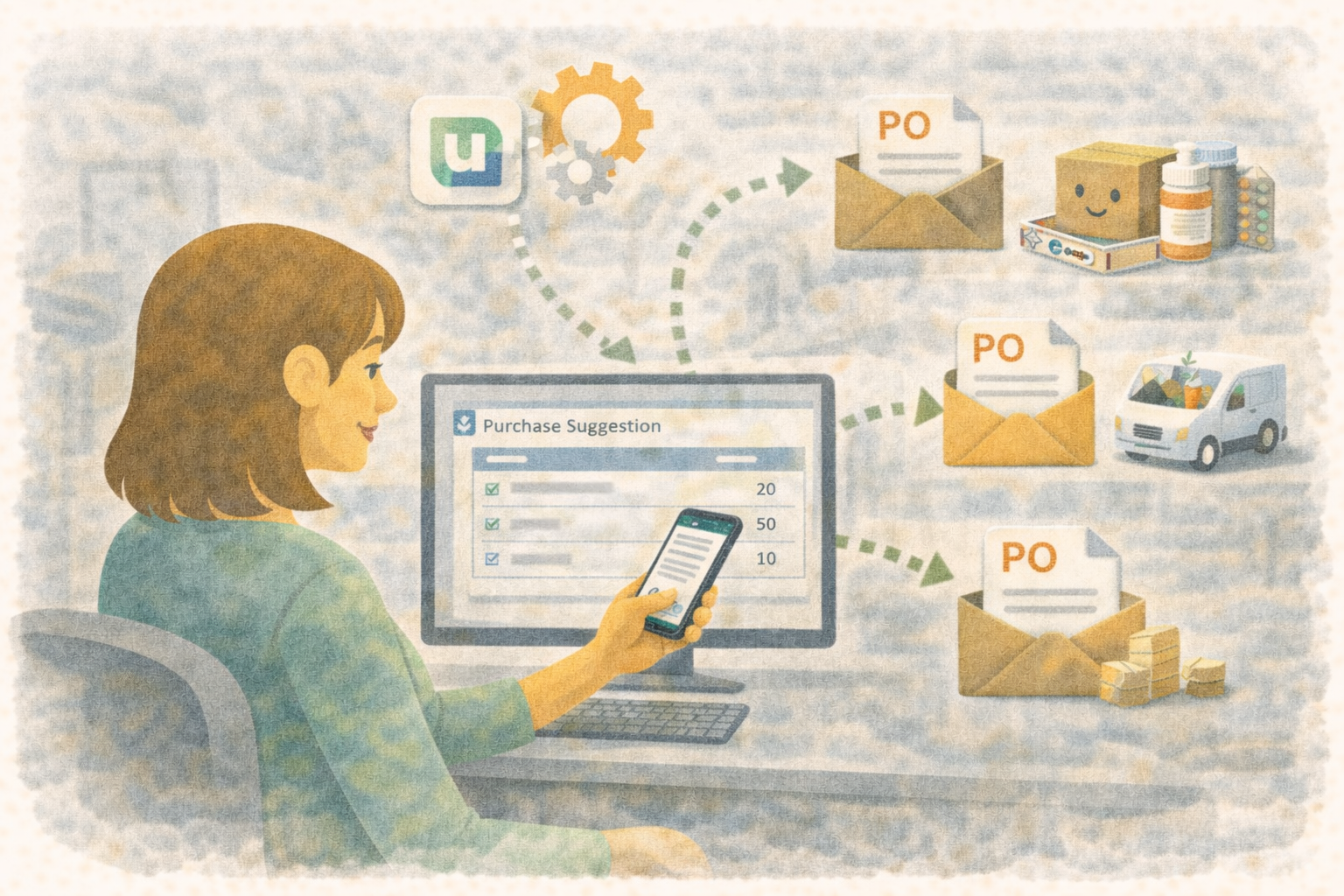
A clear supplier list helps your clinic connect purchases to the right company, find the person who handles an order, and organize which suppliers can provide each inventory item.
When preparing to move to Übik, start with the supplier's identity. Add contact and ordering details as you confirm them, so your team can use the list for daily purchasing.
Download your supplier template
- Download the simple supplier template (.csv) — Supplier name, tax ID, trading name, phone, email, and notes.
- Download the advanced supplier template (.csv) — Adds an original supplier ID, address, contact person, seller WhatsApp contact, delivery lead time, and minimum order quantity.
Both files are blank preparation sheets, with one row per supplier. Open them in Excel or Google Sheets, add your information, and send the completed file to the team handling your onboarding. They will prepare the upload and review settings that need to be completed separately.
The essential information
The current supplier editor asks for Supplier Name and Tax ID / RFC.
- Supplier Name: Use the company or person's name as you recognize it on purchase documents. Keep it consistent across your supplier and inventory lists.
- Tax ID / RFC: Provide the supplier's confirmed tax identifier. For Mexican suppliers, this is the RFC. If it is missing or your supplier uses a different identification format, flag it in Notes for review before setup. Do not make up an identifier.
Use Trading Name when the supplier is known by a different commercial name. This helps your team recognize the business without creating another supplier record just for its nickname.
For example, an invoice may identify a legal company name while your purchasing team knows its commercial brand. Keep those two names on the same supplier row when they represent the same supplier.
Useful information to define early
| Field | What to provide |
|---|---|
| Phone Country Code / Phone | The supplier's main phone number, with the country code in its own column. |
| The address your clinic uses to contact the supplier. | |
| Contact Person | The representative or person who handles your clinic's account. |
| Address / Postal Code / City / State | The supplier's business address, kept in separate columns in the advanced sheet. |
| Supplier Type | A useful description, such as distributor, laboratory, or equipment provider. This describes the supplier, rather than an inventory item type. |
| Source Supplier ID | The supplier's existing ID from your previous system, when available. It helps the team compare records during migration. |
Keep phone numbers and postal codes as text in your spreadsheet so leading zeros are preserved. Put one main phone in the Phone column, rather than several numbers in the same cell. The supplier form currently validates a 10-digit local number; flag other formats for review.
The basic supplier import includes identity, address, phone, type, and original-ID fields. Email, contact person, phone country code, seller WhatsApp details, and purchasing defaults are additional setup information. Collecting them now helps the team complete the supplier record after the basic import.
Seller WhatsApp contact for purchase orders
The company switchboard and the salesperson who receives an order may be different contacts.
If you plan to send supplier purchase orders through Übik, provide the Seller WhatsApp Country Code and Seller WhatsApp Phone in the advanced sheet. Confirm which representative should receive the orders. A general phone number alone does not complete that purchase-order contact setup.
If one person handles several suppliers, keep a separate supplier row for each business. If your representative changes, review the contact on the existing supplier instead of adding another copy of the same company.
Optional purchasing defaults
The advanced sheet also includes:
- Lead Time Days: The usual number of days the supplier takes to deliver. Use a confirmed operational estimate and explain exceptions in Notes.
- Default Minimum Order Quantity: The usual minimum quantity used in supplier ordering setup. If your supplier instead requires a minimum order value or has different minimums by product, describe that in Notes for review. A currency amount should not go in a quantity field.
Leave unknown settings blank. A blank delivery time does not mean same-day delivery, and a blank minimum does not mean that the supplier has no minimum.
Connect suppliers to inventory
The supplier list tells Übik who supplies your clinic. The inventory list tells it which suppliers can provide each product.
Use matching names in both files. In the inventory preparation sheet, a product can list more than one supplier in its Suppliers column, for example Supplier A; Supplier B.
Keep the product on one inventory row even when several suppliers sell it. The onboarding team will match and link the supplier records. Creating supplier records alone does not establish all of those product links.
See the inventory import guide for product units, package sizes, and starting stock.
Supplier records and opening balances are separate
These templates prepare your supplier catalog and contacts. Existing unpaid invoices, payment history, and opening balances need a separate, reviewed accounting migration.
Send those records separately if they are part of your migration scope. Writing an amount in the supplier sheet's Notes column does not create an invoice, payment, or balance in Übik.
Before you send the file
- Keep one row per supplier and review duplicate legal names, tax IDs, and trading names.
- Confirm the name and tax identifier before final setup.
- Match supplier names to those used in your inventory sheet.
- Separate country codes from phone numbers and preserve identifiers as text.
- Check the seller WhatsApp contact if you will use purchase orders.
- Leave unknown values blank with an explanation in Notes. Use numeric quantities and days without currency symbols.
- Save as CSV UTF-8, with a comma delimiter, and keep your original export.