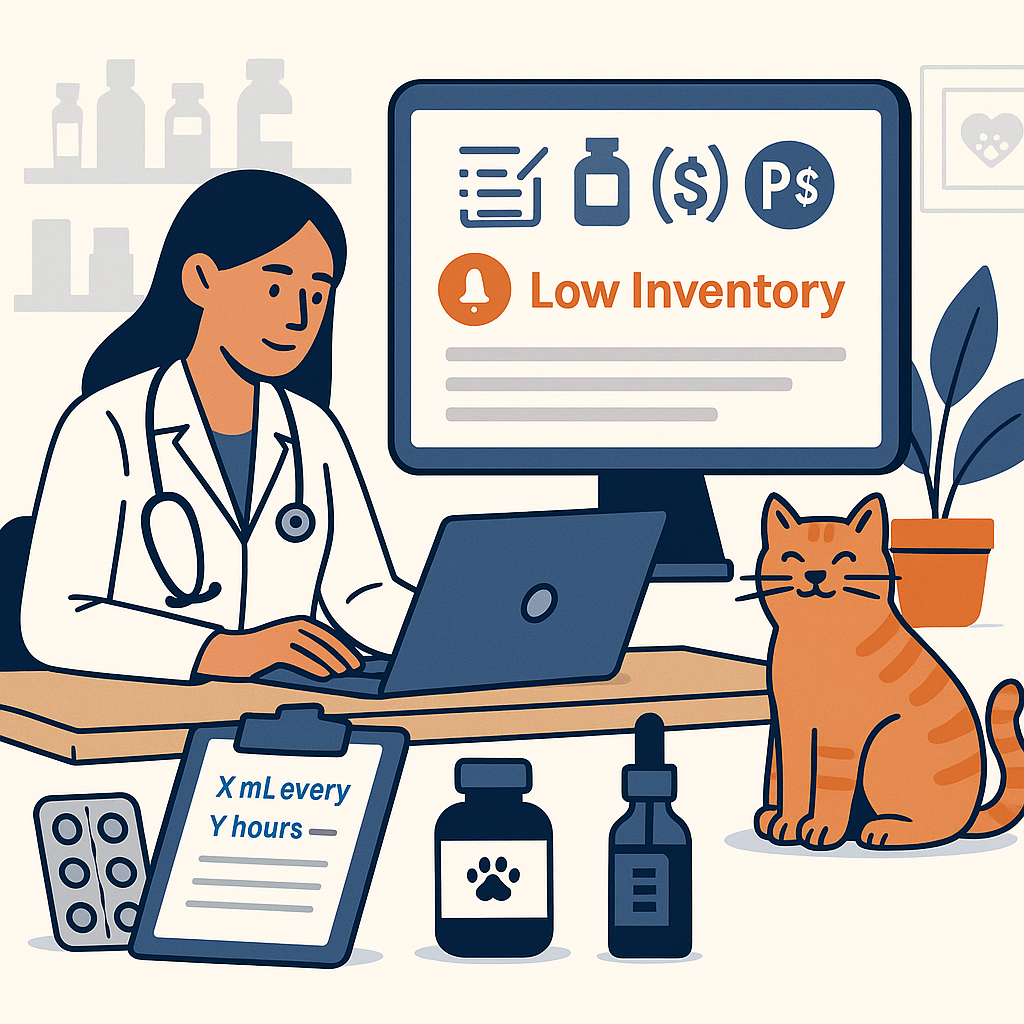
A consultation can include a product sold to the owner, supplies used by the clinic, a medicine the owner will buy at a pharmacy, and a professional service. Each belongs in the patient's record, but each has a different effect on inventory and billing.
In Übik, a dispense records a product; a rendered service records work performed. To choose the right option, ask: Did the clinic supply the product? Was it actually used or handed over? Should the client receive a separate product charge?
A Quick Comparison
| Record or status | When to use it | Effect on clinic stock | Customer charge from this record |
|---|---|---|---|
| Billable inventory, marked Dispensed | The clinic supplies a product that should be billed | Counts toward stock deduction | Yes, using the configured pricing |
| Internal Use, dispensed | The clinic consumes its own stock without a separate product charge | Counts toward stock deduction | No |
| External Dispense | A recommended treatment product will be obtained outside the clinic | No stock movement | No product charge |
| Inventory not dispensed | A product is planned but has not been supplied or used | No deduction while it remains not dispensed | No dispense charge yet |
| Service marked Rendered | A consultation, procedure, or other service has been performed | No direct product stock movement | Yes, using the configured pricing |
| Service not rendered | Work is planned but has not been performed | No direct product stock movement | No service charge yet |
| Owner-supplied stay instruction | The owner brings food, medicine, or another item for hospitalization or boarding | No clinic stock movement | No clinic inventory charge for the supplied item |
“Creates a charge” does not mean “payment has been collected.” Prices, discounts, taxes, and payments are separate parts of the visit. Stock deductions are processed through Übik's inventory calculation; the timing is explained below.
1. Regular Billable Dispenses: The Clinic Supplies the Product
Use a regular, billable dispense when a product comes from clinic stock and should be charged to the customer. This includes products handed to the owner and products used during care that the clinic bills separately.
Example: The clinic gives an owner 20 tablets from its inventory. Add the correct product, enter 20 in the product's tablet unit, and confirm Dispensed. The record counts 20 tablets toward stock usage and creates the product charge according to its configured price.
Before saving, confirm the actual product variant, quantity, unit, and any required lot. A product group can help you find an item, but the stock record needs to match what was actually taken from the shelf.
Keep these distinctions clear:
- A product supplied but not yet paid for is still a clinic dispense. Use the normal payment and balance workflow.
- A discount changes the price, not the physical quantity consumed.
- A product merely recommended or planned should not be recorded as already supplied.
2. External Dispenses: Recommended Here, Obtained Elsewhere
External Dispense means the clinic is not supplying the item. The treatment recommendation stays in the appointment record, while the customer obtains the product elsewhere, typically from a pharmacy.
An external dispense does not deduct, transfer, or add clinic stock. It does not create a clinic product charge.
Example: A veterinarian recommends a product the clinic does not carry. Record it as an external dispense and complete the relevant treatment instructions. The recommendation remains documented, but Übik does not pretend the clinic handed over its own stock.
Use external dispensing when the source really is outside the clinic. If staff take a product from the clinic shelf, choose billable dispensing or Internal Use according to the billing policy. External is not a way to make a clinic-supplied item free or get around a stock shortage.
What if the clinic supplies only part of the treatment?
Keep the supplied portion and the outside recommendation separate.
Example: The clinic supplies 10 tablets, and the owner will obtain the remaining 10 elsewhere. Record the 10 supplied tablets as a regular dispense and the outside portion as an external recommendation with clear instructions. Only the clinic-supplied portion should affect clinic stock and its product charges.
3. Internal Use: Clinic Stock Is Consumed Without a Product Charge
Use Internal Use when the clinic uses its own inventory but should not bill the client separately for that product.
Internal use reduces stock through the inventory workflow and creates no customer product charge. The internally used inventory item is kept off the client receipt as a billable product line.
Example: A wound-care visit uses two gauze pads from clinic stock. The clinic charges for the wound-care service and includes the consumables in that fee. Record the two gauze pads as Internal Use and the wound-care service as rendered. The service is billed, and the supplies are still counted as consumed.
This also supports a clear record of clinic consumption such as samples, training, or staff use when recorded in the appropriate internal-use workflow. Keep the reason accurate so managers can understand where stock went.
Where to choose it
In the appointment's items panel, authorized users can choose Billable or Internal Use before searching for or scanning inventory. Existing inventory rows also expose Internal Use in their expanded details when editing is allowed.
Internal dispensing requires the Inventory permission Can dispense internal use (non-billable). If the option is missing or disabled, ask an administrator to review your permissions and the appointment's state.
Internal Use applies to inventory. It does not turn a service into a free service; service pricing and any permitted discounts need their own review.
4. Not Dispensed or Not Rendered: Planned Work
A product can be listed before it has been supplied, and a service can be listed before it has been performed. The Dispensed and Rendered states distinguish those plans from completed actions.
Example: An appointment includes a planned diagnostic service and a product the owner has not decided to purchase. Leave the service not rendered and the product not dispensed until those actions actually happen.
An estimate is also a planning document. Review the items that become part of the actual visit or sale rather than assuming every estimated item was delivered.
Before checkout, resolve pending items: confirm what happened, leave genuinely future work pending in its proper workflow, and remove declined items when appropriate and permitted. Do not mark everything complete just to make the list look finished.
5. Services Are Rendered; Products Are Dispensed
A service records professional work: a consultation, diagnostic test, procedure, or other service in your clinic's catalog. Marking it Rendered creates its service charge using the configured pricing and service quantity.
Example: For a consultation with a separately billed product, record one rendered consultation and the actual product dispense. These describe two different parts of the visit.
A service does not directly deduct bottles, tablets, gloves, or other physical supplies. Record the inventory actually used, including linked products where configured.
For a procedure whose price includes supplies, a useful setup is:
- The service carries the procedure's customer price.
- Internal-use inventory records the included supplies consumed.
- Additional products sold separately remain billable inventory.
Review the clinic's pricing setup to avoid billing the same included supplies twice. Conversely, adding only the service can leave physical usage unrecorded if no inventory consumption is captured.
Services can have linked services and inventory suggestions through Super Services and Super Diagnoses. Review which suggestions apply, choose the actual product variants, and adjust quantities. Suggested items are not proof that every item was used.
6. Owner-Supplied Items During Hospitalization or Boarding
For food, medicine, or other belongings brought from home, use the owner-supplied stay instruction workflow. It keeps the item and care instructions in the stay plan without treating the item as a clinic inventory sale.
Example: An owner brings a bag of the pet's usual food. Add an owner-supplied instruction with the relevant amount, frequency, and notes so staff can track care alongside the rest of the stay plan.
An external dispense documents something the customer obtains elsewhere. An owner-supplied stay instruction helps the team manage an item the owner has brought for use during the stay. Choose the workflow that describes the situation.
See How to Manage Hospitalizations in Ubik for the complete stay workflow.
Quantities, Packages, and Lots: Small Fields With Big Effects
Quantity is measured in the product's configured unit
Check whether the item is counted in tablets, mL, µL, individual units, or another unit. Quantity 1 does not always mean “one bottle.”
Example: If a product's unit is mL, a usage of 2.5 mL is quantity 2.5. If the inventory unit is µL, that same volume is 2,500. Confirm the catalog unit before entering the number.
Inventory can use fractional quantities. Service counts use whole numbers, so describe the service unit appropriately in the catalog rather than trying to represent a product dose as a fraction of a service.
Packages depend on the item's configuration
Quantity per package tells Übik how many inventory units one package contains. With Bidirectional package/quantity auto-calc enabled, quantity and packages are linked using that value. When disabled, they are tracked separately.
Example: If one bottle contains 100 mL and auto-calc is enabled, 10 mL corresponds to 0.1 package. Enter the amount in the appropriate field and review the calculated values and stock-use preview. Do not add another line for the same physical usage.
Review the customer charge as well: unit pricing and package pricing are distinct, and entering values in both fields can affect the charge. Do not fill both manually just to repeat the same amount in a different unit.
Packages discarded records additional package stock opened or discarded. It reduces package stock and does not infer the number of product units used. Enter the actual quantity used separately when applicable; do not use this field as a substitute for recording units or explaining a loss.
Select the real lot and location
For lot-tracked products, choose the lot actually used and check its lot number and expiration date. If your clinic uses inventory locations, select the shelf, room, or other location from which the stock was taken.
A QR code can help identify the product or lot, but staff still need to verify the real item, quantity, and instructions.
A Practical Add-and-Review Routine
- Open the correct patient appointment or sale.
- For inventory, choose Billable or Internal Use as appropriate. For an outside recommendation, use External Dispense in the applicable product or linked-item flow.
- Search for or scan the item. Select the actual variant when a product group offers several choices.
- In the setup review, confirm quantity, packages, lot, location where available, instructions, and whether the product is dispensed or the service rendered. For linked additions, include only what applies.
- Save with Add or Add all, as applicable. Straightforward scans can save directly; review any prompts that appear.
- Check the saved rows and charges before payment. Expand inventory rows to review External Dispense and Internal Use where available.
Keep treatment instructions complete and consistent with the clinician's plan. Quantity supplied and the instructions for how to use it describe different things; one does not replace the other.
Why Stock May Not Change the Moment You Add a Row
Übik distinguishes the recorded dispense from the inventory adjustment that posts it to stock. Eligible dispenses are processed by the inventory calculation, and current-stock estimates can also account for pending usage.
This means a saved dispense, a current estimate, and a posted stock adjustment can represent different stages of the same usage. Check Inventory History and the record's status before concluding that the product was missed. Do not add a second dispense to force the visible count to change.
External dispenses remain excluded from stock deduction. A zero-price clinic dispense, by contrast, still represents clinic stock usage.
If Strict inventory dispense is enabled, Übik can block a dispense that would take the product or selected lot below zero, including internal use. Check the product, lot, pending usage, and actual shelf count. Receive stock, correct an inaccurate count through the approved audit workflow, or correct the quantity as appropriate. Use external or owner-supplied records only when those are the true source of the item.
Special Cases: Hospitalization and Historical Treatments
Repeated care during a stay
For recurring hospitalization or boarding care, build Stay Instructions and record each administration. Set the instruction quantity to the amount used each time, not the entire planned course.
Generated instruction-related rows can appear as not dispensed with quantity zero while the stay is in progress. Let the stay workflow calculate final billing quantities from recorded administrations during discharge. Use the one-time items area for actual one-time products and services, and avoid manually duplicating scheduled usage there.
Recording care that happened in the past
The treatment-schedule adherence workflow can record historical treatment using records that do not create current product charges or stock deductions. Use that historical-recording flow when documenting qualifying past care. Do not create a new ordinary clinic dispense merely to fill a gap in the treatment history: that can incorrectly count the product as newly supplied.
Mistakes, Returns, and Stock That Was Already Counted
Correct the record according to what physically happened and what has already been accounted for.
| Situation | What to review |
|---|---|
| The product was used, but should have been included in a service fee | Internal Use may be appropriate; keep the stock consumption |
| The product was never supplied | Correct the line and check whether stock was already deducted |
| A later physical inventory audit already corrected the shelf count | Avoid returning stock again and inflating today's count |
| The customer returns a product or needs money refunded | Use the return/refund workflow and review the stock disposition separately |
Some calculated inventory lines require an administrator's correction workflow. Depending on the situation, that workflow can remove a line only, remove it and return stock, or convert it to internal use. Review any later-audit warning and enter a clear reason.
Settled or fiscally covered sale items may be protected from deletion or changes that remove their billable status. Have administration or accounting review the supported correction instead of trying to bypass the restriction.
A charge correction does not by itself settle a payment or refund. If money, a lot, or the current stock count is unclear, ask the administrator or accounting team to review the whole transaction before applying another adjustment.
One Visit, Four Different Records
Imagine a visit includes a consultation, 20 tablets supplied by the clinic, two gauze pads included in the consultation fee, and a separate product to be purchased at a pharmacy.
- Consultation: one rendered service; creates the service charge.
- 20 tablets: regular billable dispense; counts the clinic's tablets as used and creates their product charge.
- Two gauze pads: Internal Use; counts the clinic's pads as used without a separate product charge.
- Pharmacy product: External Dispense; keeps the recommendation in the record without moving clinic stock or creating a clinic product charge.
These choices give reception the right charges, the clinical team a clear record, and inventory staff a more accurate picture of what the clinic actually consumed.