Use individual accounts and the right access
Understand personal logins, clinic permissions and how to resolve missing actions.
Reviewed against current application source. Screenshots use fictional local training data.
What you will learn
#Each employee should use an individual account so actions can be attributed to the person who performed them. Permissions control application access separately from the four training roles. A lead who studies payroll or inventory still needs the administrator to grant appropriate access.
- Use your own login and the intended clinic.
- Distinguish view, edit and workflow-specific permissions.
- Request the smallest access needed for your job.
Before you start
#Ask the Administrative Lead to create or confirm your user and clinic access. Never share a password or borrow an administrator’s session to bypass a blocked action.
Have a concrete task ready when requesting access: viewing inventory and receiving stock can require different permissions.
Do it in Übik
#- Sign in through the normal Übik login using your own credentials. Check the active clinic and your assigned work.
- Open the portal or management page required for the task.
- If a menu, button or record is missing, inspect the current filters, clinic and status first. Some completed records intentionally restrict changes.
- Tell the administrator the task, page, visible message and whether you need to view, add, edit or perform a specific action.
- The administrator reviews your user’s permission categories and enabled clinic features. Follow the approved login or refresh instructions after a change.
- Confirm the intended action is available. Continue using your own account and report any access that appears broader than your responsibility.
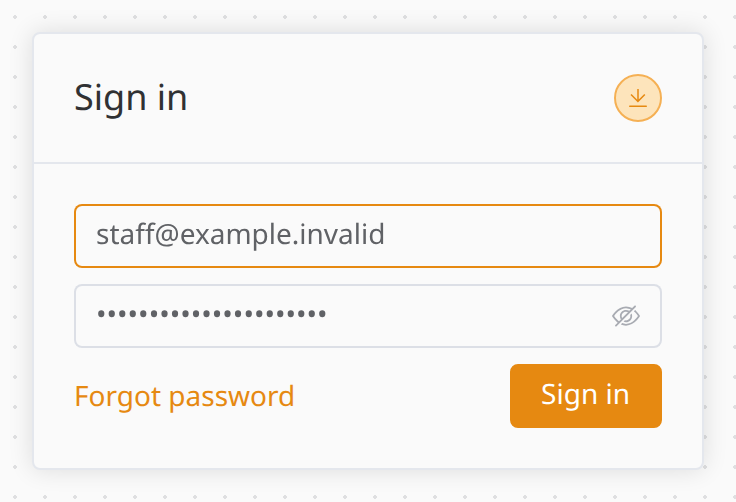
Work through a clinic example
#A technician can review product stock but cannot receive an invoice. Seeing the product does not imply stock-edit permission. The technician gives the administrator the exact receiving task rather than asking for every inventory permission.
A replacement receptionist needs their own account. The departing employee’s password and session are not the replacement’s training plan. The Administrative Lead coordinates access and handover.
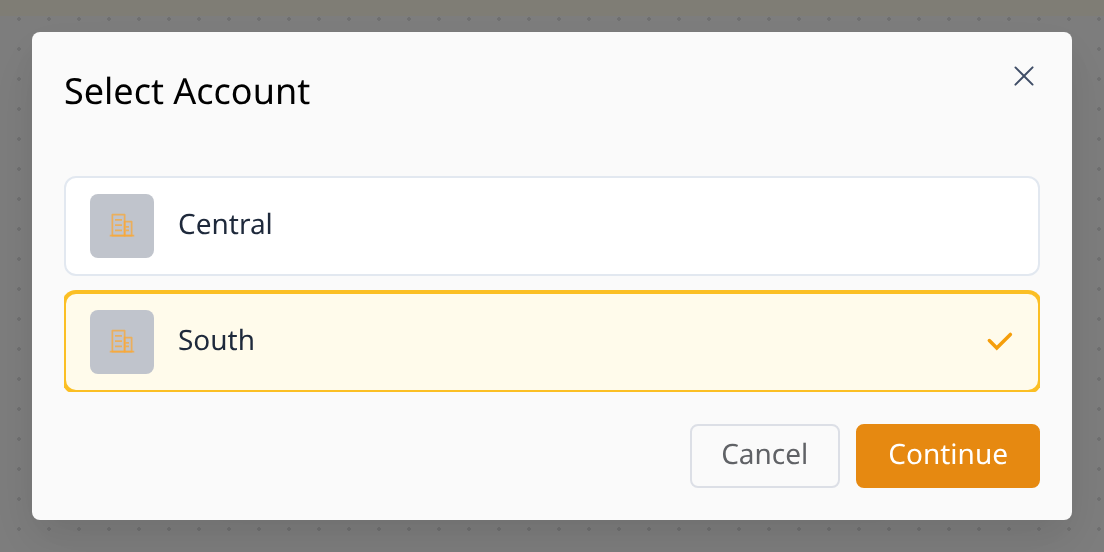
Common mistakes
#- Using a shared login for several employees.
- Treating a disabled action as a software defect before checking its prerequisites.
- Granting administrator access simply to reveal one button.
Troubleshooting and recovery
#If access remains unavailable after an approved change, capture the exact page and visible warning, confirm the clinic and contact the administrator or Help. Avoid repeatedly submitting a financial or stock action while diagnosing access.
Keep credentials and private records out of support screenshots. Include the action you need and the permission category reviewed, not a password.
Check your understanding
#Ready to use this workflow
#Saved only in this browser. This is a personal practice checklist, not a clinic training record.
Related guides
- Related workflow guide
- Find your way around Übik
- Follow the patient journey from booking to follow-up
- Public manual
Source: Use individual accounts and the right access · Revision 2